China, Hong Kong, Macau
Up To 50GB
product-img-8745514041598

Hong Kong eSIM up to 50GB

Hong Kong eSIM up to 50GB

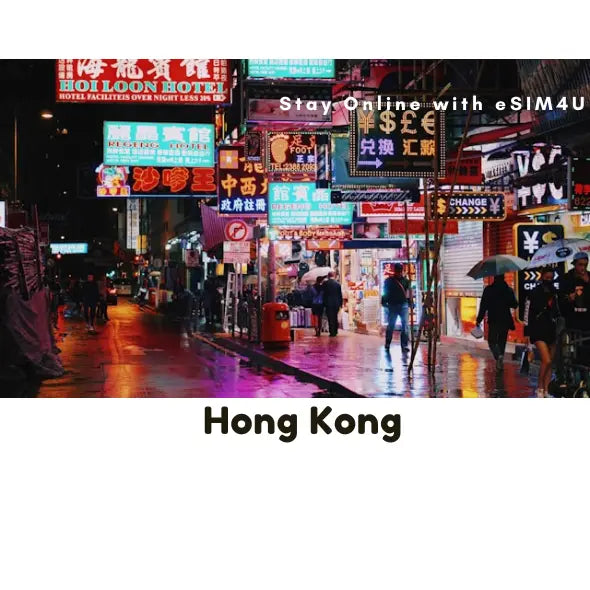
The Hong Kong Travel eSIM is your high-speed access key to this dynamic city where colonial history meets a futuristic skyline. Hong Kong is a dazzling spectacle, inviting you to ride the historic Star Ferry across Victoria Harbour, explore the vibrant night markets of Mong Kok, ascend to Victoria Peak for panoramic views, or escape to the quiet, green trails of its surrounding islands.

This practical, data-only solution provides reliable, high-speed internet access throughout the territory. Forget the confusion of managing local SIM cards or the concern over costly international roaming charges. Activation is instant and efficient: simply scan the prepaid eSIM's QR code upon purchase and enjoy immediate, uninterrupted service on the MTR, in busy shopping districts, and high up in your hotel.

Choose a flexible data plan with no contracts or hidden fees to suit your fast-paced city break or extended stay. Your generous data allowance ensures you can effortlessly navigate the dense urban core, use essential public transit apps, find the best dim sum spots, and share the city's spectacular vertical views with friends back home. Travel with confidence, knowing your unbeatable coverage keeps you online as you explore the energy and efficiency of Hong Kong.

Stay Connected With Best Coverage
  • Data: Up to 50GB (No daily limit)
  • Speed: 5G/4G/LTE
  • Calls & Texts: Not included (Data-only)
  • When to install: It’s best to install and activate your eSIM just before your departure or upon arrival at your destination. ***Wi-Fi is required during installation.
  • Hotspot/Tethering: Yes
  • ID requirement: No
  • Delivery: Instant via email
  • Activation: Scan QR code from email. Your eSIM will be activated when you arrive in the supported country.
  • Validity: Once you arrive in the supported country and eSIM is activated, the validity period will begin upon arrival there.

All our eSIM needs to be activated within 180 days of purchase.

  • Speed: Fast 5G/4G/LTE
  • Network: We provide the most reliable and secure connections from our premium network providers.
  • Save time and money: Avoid hefty roaming fees and save time searching for local SIM cards.
  • Device Compatibility:: Unlocked eSIM compatible devices. For details on compatibility, please see the "eSIM compatible devices" page.
  • Installation: Easy and fast.
  • Calls & SMS: Not available, only through apps. (This is data-only eSIM).
  • Tech Support: Our friendly Aussie travel eSIM team is always here to assist you.
  • Hong Kong - eSIM network provided by CMHK (Breakout IP:HK )

For iOS devices

(Updating the APN is not normally required for iOS)

  • Name: [type anything here]
  • APN: mobile.three.com.hk
  • Username: [leave this section blank]
  • Password: [leave this section blank]

For Android devices

  • Name: [type anything here]
  • APN: mobile.three.com.hk
  • Proxy: [leave this section blank]
  • Port: [leave this section blank]
  • User name: [leave this section blank]
  • Password: [leave this section blank]

Stay Connected with Discounted Prices
note_icon_note_EktVwh eSIMs are instantly delivered to your email!
View full details

Check if your device is compatible

e-sim-works-background_template--18299266957566__home_banner_kBVdYe

How To Install eSIM4u eSIM?

Here take iPhones as an example. The actual texts might differ depending on the iOS version and the device.

You must have an internet connection to install eSIM. Please ensure that there is available WiFi or mobile data before installation. ---> ⏩ Watch Video Here

① Add eSIM to devices that support eSIM.


② Go to Settings – Cellular data/Mobile data – Add eSIM Cellular Plan/Add eSIM


③ Scan the QR code. If the camera doesn’t work, enter SM-DP +Address and Activation Code manually.


④ We recommend that you disable this newly installed eSIM until you reach your destination.


⑤ Rename the newly installed eSIM (e.g., “Travel”) to identify it easily.


⑥ After arriving at the destination, please turn off primary SIM cards and TURN ON your newly installed eSIM along with its 「DATA ROAMING」 to access the internet.


⑦ If you do not have a connection, check your APN settings. These are usually set automatically, except Japan DOCOMO network. iOS: Japan – please set the APN as “vmobile.jp”. --->LEARN MORE

⚠️ For older versions of Android, you may need to enter manually in some cases.

--->LEARN MORE

float_img_left_template--18299266957566__money_back_tag_nVYKwh
float_img_right_template--18299266957566__money_back_tag_nVYKwh

100% Money Back Guarantee

If you cancel your trip or experience tech issues that we can’t fix; we’ll refund you 100%.